

If you have ever built a perfect CRM setup, automation workflow, sales funnel, and email sequence inside GoHighLevel, you probably had one thought:
“I wish I could copy all of this to my next client account in one click.”
That is exactly what GoHighLevel Snapshots are designed to do. For agencies managing multiple clients, rebuilding the same systems repeatedly can waste hours every week. Snapshots eliminate that problem by allowing you to duplicate proven setups and deploy them instantly across new accounts. According to GoHighLevel’s official documentation, snapshots can copy workflows, funnels, websites, calendars, forms, pipelines, templates, and many other assets, helping agencies onboard clients significantly faster.
In this guide, you’ll learn what snapshots are, how they work, why agencies love them, and how to use a free GoHighLevel snapshot or create your own agency snapshot for faster scaling.
What Are GoHighLevel Snapshots?
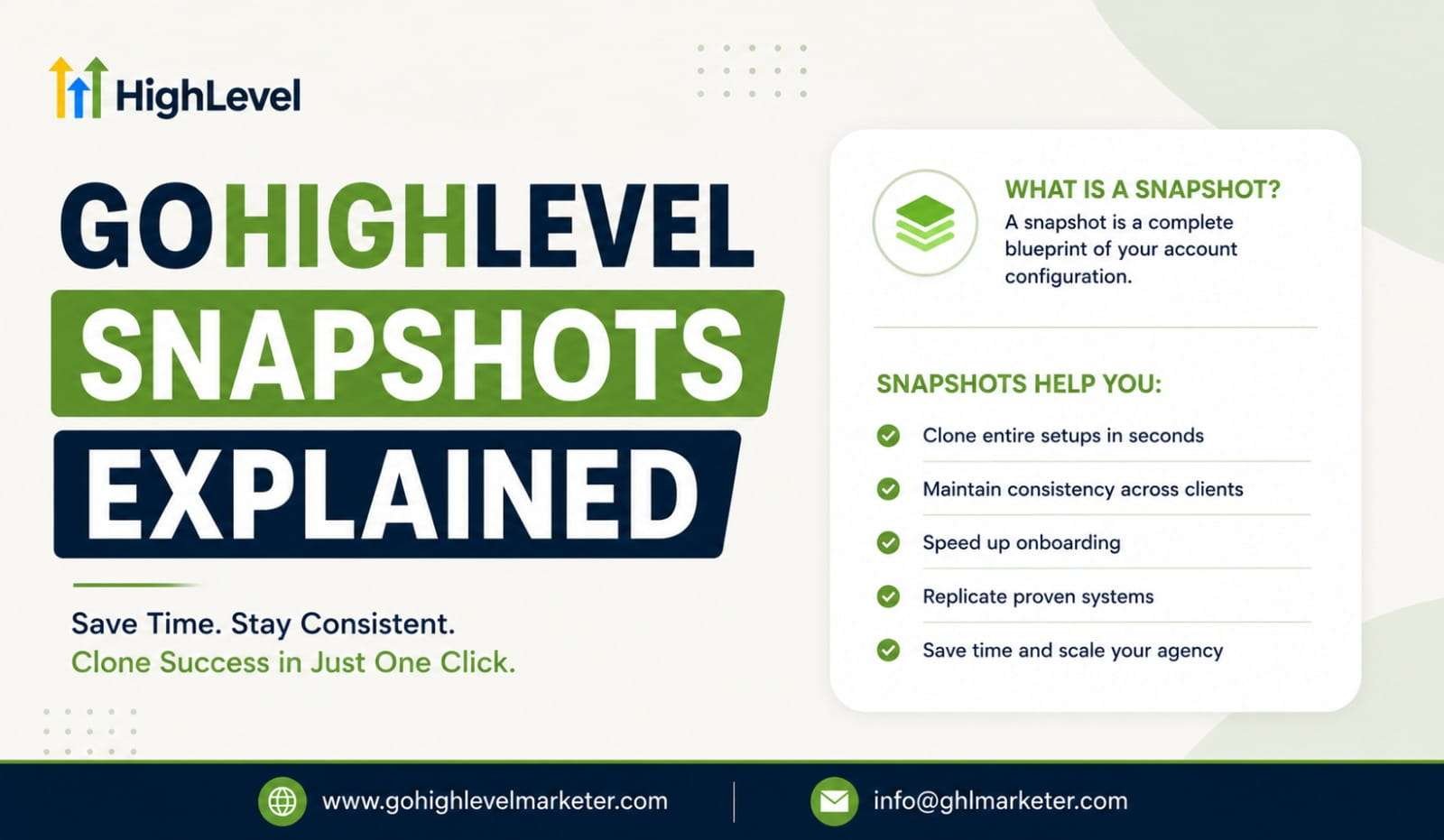
GoHighLevel Snapshots are reusable templates that capture the configuration of a sub-account and allow it to be copied into another account. Think of them as a blueprint for your business systems. Instead of building everything from scratch, you can create a snapshot from an existing account and load it into a new client account within minutes. A snapshot can include:
- Workflows
- Funnels
- Websites
- Calendars
- Forms
- Surveys
- Pipelines
- Email templates
- SMS templates
- Custom fields
- Tags
- Automations
According to GoHighLevel support documentation, snapshots are specifically designed to help agencies standardize and replicate successful setups across multiple client accounts.
Why Agencies Use GoHighLevel Snapshots
Imagine you run a marketing agency that serves dentists. You spend weeks building:
- Lead generation funnels
- Appointment booking systems
- Follow-up workflows
- Review request campaigns
- Email nurturing sequences
Without snapshots, you would need to rebuild everything for every new dentist client. With GoHighLevel Snapshots, you simply import your proven setup into the new account and customize it for the client. This creates three major benefits:
1. Faster Client Onboarding
New clients can be launched in hours instead of days. GoHighLevel itself highlights faster onboarding as one of the biggest advantages of snapshots because agencies can deploy prebuilt systems immediately.
2. Consistent Service Delivery
Every client receives the same tested processes and automations. This helps reduce mistakes and improve operational consistency across accounts.
3. Easier Scaling
As your agency grows, manually rebuilding systems becomes impossible. Snapshots allow you to scale without increasing setup time for every new customer. Many agency owners consider snapshots one of the biggest time-saving features inside GoHighLevel.
What Can Be Included in GoHighLevel Snapshots?
One of the reasons GoHighLevel Snapshots are so powerful is the wide range of assets they can transfer. Some commonly copied assets include:
1. Marketing Assets
- Funnels
- Websites
- Landing pages
- Forms
- Surveys
- Blogs
2. Automation Assets
- Workflows
- Triggers
- Email campaigns
- SMS campaigns
- AI automation systems
3. CRM Assets
- Pipelines
- Custom fields
- Tags
- Custom values
4. Scheduling Assets
- Calendars
- Calendar groups
- Appointment settings
5. Reporting Assets
- Dashboards
- Reports
- Custom metrics
GoHighLevel continues expanding snapshot capabilities, making them even more valuable for agencies managing multiple client accounts.
What Does Not Transfer Through Snapshots?
This is where many beginners get confused. Snapshots do not copy client data. According to GoHighLevel documentation, the following items are generally not transferred:
- Contacts
- Appointments
- Conversations
- SMS history
- Email history
- Stripe connections
- Third-party integrations
- Live activity data
Snapshots transfer systems and configurations, not customer records. Think of it like copying a house design without copying the people living inside the house.
What Is an Agency Snapshot?
An agency snapshot is a master template built specifically for agency operations. Most successful agencies create one core snapshot that contains:
- Sales pipelines
- Client onboarding workflows
- Lead nurturing campaigns
- Booking systems
- Internal automations
- Reporting dashboards
Whenever a new client signs up, the agency loads this snapshot into the client’s account. For example, an HVAC agency may have an HVAC agency snapshot, while a dental marketing agency may have a dental agency snapshot. This approach ensures every client receives a proven framework from day one. Many agencies even create industry-specific agency snapshots for:
- Real estate
- Insurance
- Dentists
- Chiropractors
- Home services
- Law firms
- Fitness studios
GoHighLevel specifically identifies vertical-specific templates as one of the best use cases for snapshots.
What Is a Free GoHighLevel Snapshot?
A free GoHighLevel snapshot is a snapshot shared by another agency, consultant, or community member at no cost. Many marketers offer free snapshots as lead magnets to attract potential clients. These snapshots may include:
- Funnel templates
- Appointment booking systems
- CRM setups
- Automation workflows
- Industry-specific campaigns
While a free GoHighLevel snapshot can save time, it is important to remember that every business is different. A snapshot should be treated as a starting point rather than a complete solution. Many experienced users recommend customizing snapshots after importing them to match the client’s specific sales process and goals.
How to Create GoHighLevel Snapshots
Creating GoHighLevel Snapshots is relatively simple.
Step 1: Build Your Ideal Account – Create a sub-account that contains all the assets you want to duplicate. This could include:
- Funnels
- Workflows
- Calendars
- Forms
- Pipelines
Step 2: Open Snapshot Settings – Navigate to the snapshot section inside your agency account.
Step 3: Create New Snapshot – Choose the source account and assign a name to your snapshot.
Step 4: Select Assets – Pick the assets you want included. You can either:
- Select everything
- Choose specific assets
Step 5: Save Snapshot – Once saved, the snapshot becomes available for future use across client accounts.
Real Example of Snapshot Usage
Let’s say an agency specializes in roofing companies. They build:
- A lead capture funnel
- SMS follow-up sequences
- Missed call text-back automation
- Appointment booking calendars
- Review generation campaigns
The agency then creates an agency snapshot from this account. When a new roofing company becomes a client, the agency loads the snapshot and customizes:
- Company name
- Branding
- Phone number
- Website URL
Instead of spending 15–20 hours rebuilding everything, the setup may take less than an hour. That is the real power behind GoHighLevel Snapshots.
Best Practices for Using Snapshots
To get the most value from snapshots, follow these recommendations:
Keep Snapshots Organized
Use clear names such as:
- Dental Agency Snapshot
- Realtor Lead Generation Snapshot
- HVAC Booking Snapshot
Update Regularly
As your systems improve, refresh your snapshots to include new workflows and automations.
Customize for Every Client
Even the best free GoHighLevel snapshot should be adjusted to fit the client’s business model.
Test Before Deployment
Always test workflows, forms, emails, and calendars before launching. Small errors can create big problems if copied across multiple accounts. This summer, you can get 50% off your first 3 months of GoHighLevel. It’s a simple way to add AI tools to your business without a high upfront cost. You’ll get tools that help you reply faster, book more appointments, and capture more leads. You can also unlock up to 60 days of FREE AI Agents, including Conversation AI, which responds to leads 24/7 so you never miss an opportunity.
Final Thoughts
GoHighLevel Snapshots are one of the most valuable features for agencies and businesses that want to scale efficiently. Instead of rebuilding funnels, automations, calendars, and CRM systems for every new client, you can package your best-performing setup into a reusable template and deploy it instantly. Whether you create your own agency snapshot or start with a free GoHighLevel snapshot, the goal remains the same: save time, maintain consistency, and deliver better results faster.
For agencies managing multiple clients, snapshots are not just a convenience. They are a system that transforms hours of repetitive work into a process that can be completed with a few clicks. As your client base grows, that time savings can become one of the biggest competitive advantages your agency has.
What are GoHighLevel Snapshots?
GoHighLevel Snapshots are pre-built templates that allow you to copy and transfer complete system setups—such as funnels, workflows, CRM pipelines, and websites—into new client accounts instantly.
How do GoHighLevel Snapshots work?
Snapshots work by duplicating selected assets from one GoHighLevel account and importing them into another. This lets agencies quickly replicate proven systems without rebuilding everything from scratch.
What can be included in a GoHighLevel Snapshot?
A snapshot can include funnels, websites, automation workflows, email and SMS templates, calendars, forms, pipelines, and CRM settings, making it a complete business setup package.
Why are Snapshots important for agencies?
Snapshots help agencies save time, reduce manual setup work, and ensure consistency across client accounts. They allow agencies to onboard clients faster and scale operations efficiently.
Can I customize a GoHighLevel Snapshot for different clients?
Yes. After importing a snapshot into a client account, you can fully customize workflows, branding, funnels, and automation to match each client’s specific business needs.
How do Snapshots help agencies scale faster?
By allowing agencies to reuse proven systems, Snapshots eliminate repetitive setup tasks and enable rapid deployment of ready-made marketing infrastructures, helping agencies take on more clients without increasing workload.